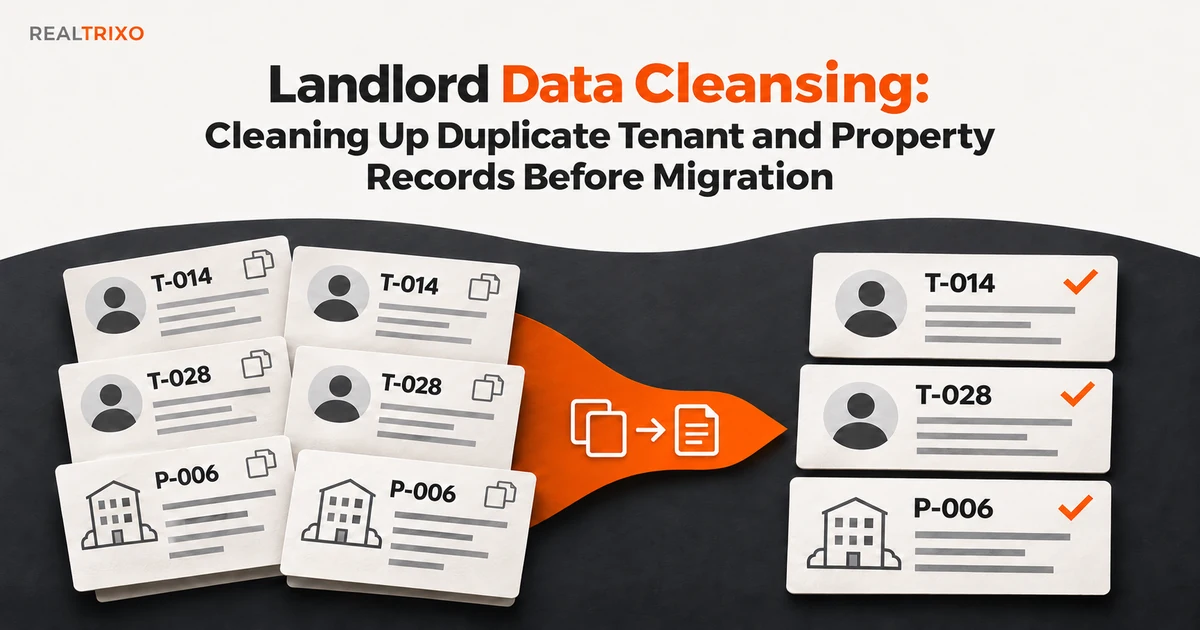
Tired of complex real estate operations or rigid, legacy systems? And you’ve finally decided to migrate to a new property management system? But it needs you to clean up your duplicate tenant and property records.
Doing so stops your legacy chaos from polluting your new property management system. In short, landlord data cleansing prevents duplicate tenant billing or broken financial reporting. Wondering how?
Read this blog to find the core reasons to clean data before migration. Also, you will learn key steps for real estate data cleansing to get rid of system inefficiencies!
Why Data Cleansing Before Migration Matters
Cleaning up your property and tenant data before migration prevents bad data from breaking the new system. It stops duplicate records, reporting errors, and high operational costs. Migrating to a new platform can’t fix bad data; it only stores and amplifies it.
Research shows that 41% of commercial developers are not satisfied with their data quality. It forces teams to work in isolated silos with highly fragmented reporting. Apart from that, you may suffer headaches due to extreme inefficiencies:
- Cluttered databases require you to create fragmented customer or vendor profiles because of duplicate records.
- Flawed reporting feeds inaccurate metrics into executive dashboards, ruining strategic decisions.
- Inflated costs waste expensive cloud storage on obsolete or redundant files.
- Frustrates staff when the new system displays untrustworthy or broken information.
Things to Audit Before You Start Data Cleansing
Now that you know the repercussions of migrating to a new CRM without landlord data cleansing, look at what you actually need to audit:
Duplicate Records
Duplicate tenant profiles often lead to double-charging, missed rent collections, or confused ledger reconciliation. Duplicate records are the most common and damaging CRM problem, typically making up 10% to 30% of databases used for over three years. They cause missed communications, fragmented sales histories, and broken reporting.
Key Duplicate Types to Audit
- Exact Duplicates: Records sharing the identical email address.
- Near-Duplicates: Contacts with the same name but different email addresses.
- Company-Level Duplicates: The same organisation entered into the system multiple times.
- Relationship Duplicates: Identical contact-to-company connections mapped more than once.
Unfinished Records
Unfinished records lack the critical information your business workflows need to function. To address this, calculate the percentage completion rate for each field across your entire database. Any field with a completion rate below 60% requires a clear action plan such as:
- Enrich: Fill in the missing data using third-party tools, manual research, or outreach campaigns.
- Flag: Migrate the records but tag them as incomplete so your team knows to update them later.
- Exclude: Drop those specific fields or records entirely from the migration if they hold no strategic value.
Outdated and Irrelevant Records
Stale and irrelevant records clutter your new system and inflate your CRM licensing costs. They also create major GDPR compliance liabilities by holding personal data past its legitimate purpose.
To clean this up, set a staleness threshold, typically 24 to 36 months of zero updates or activity. And calculate what percentage of your database falls outside it.
Action Plan for Stale Data
- Audit Activity Logs: Filter records based on the last modified date, last login, email opens, or logged sales interactions.
- Identify Closed Companies: Flag businesses that have gone under or contacts who have left their roles.
- Purge or Archive: Permanently remove or safely archive cold leads to cut costs and reduce legal risks before migrating.
Distorted and Invalid Records
Invalid and malformed data breaks automated workflows and corrupts reporting. Also, they stop communication syncs post-migration. So you must audit your system for formatting errors and enforce data standards before importing into the new CRM.
Common Formatting Issues to Audit
- Invalid Emails:Addresses missing the "@" symbol, domain extensions, or containing typos (like "gnail.com").
- Inconsistent Phone Numbers: Mixed formats across records, with some using country codes (+44), some using local zeros (07...), and others missing digits entirely.
- Malformed Postcodes: UK postcodes that fail standard alphanumeric spacing and structure validation.
- Mismatched Dates: Dates saved as text strings across conflicting formats (e.g., DD/MM/YYYY vs. MM/DD/YYYY).
- Misplaced Text: Free-text fields used incorrectly, such as logging a job title or phone number inside the Company Name field.
Fix CRM Mismatches
Mismatched field structures between your legacy CRM and your new CRM will break your data import. You must produce a field mapping document before any cleaning work begins to align the source and target architectures.
Any field in your source system that has no obvious mapping needs a hard decision before migration day, not during it. Here are key steps for field mapping:
- Map Every Source Field: Document every existing data point and pair it with its exact destination in the target CRM.
- Flag “No-Map” Fields: Identify fields that do not fit the new structure and decide whether to delete them, merge them, or create custom properties.
- Standardise Data Types: Check for format mismatches (e.g., a source text field mapping to a target dropdown/picklist field) and plan conversions early.
A Step-By-Step Guide to Cleaning Up Data Before Migration
Explore these step-by-step instructions to execute your landlord data cleansing project effectively:
Extract and Backup
Establish your starting point and ensure you protect your live system. Always work on a separate copy of your data in a structured format like CSV or Excel to audit and report on data quality before making any changes. Key steps include:
- Secure a Full Export: Pull every record, history log, and custom field from your legacy CRM.
- Work on a Copy: Lock down the master file and only perform audit operations on duplicate working files.
- Generate a Quality Report: Document your baseline error rates, e.g., % of duplicates, % of incomplete fields, to prioritise cleaning tasks by their business impact.
Identify Duplicates
Identifying duplicates or deduplication must be done first because it is the most time-consuming task. And every subsequent cleaning step is significantly faster on a smaller, deduplicated dataset.
For large datasets, use automated tools to flag probable pairs for human review. And always define data survival rules in advance to determine which field values win during a merge.
Key Deduplication Rules
- Leverage Automated Tools: Use software like OpenRefine, Excel'sfuzzy matching add-ins, or Python's dedupe library to catch near-duplicates that standard filters miss.
- Establish Record-Winning Rules: Define criteria before merging. For example, the record with the most recent login or the most complete profile wins the primary slot.
- Consolidate Sales History: Never delete historical data; merge timelines, notes, and financial histories into the winning record to preserve your context.
Standardise and Normalise
Standardising field formats prevents old inconsistencies from recurring in your new system. This ensures your data is instantly usable for automation and reporting. Apply uniform formatting rules across all exported records before the import process begins.
Key Standardisation Rules
- Phone Numbers: Convert all numbers to the E.164 international format (e.g., +447911123456), removing local prefixes and special characters.
- Postcodes: Force all geographic codes to uppercase with standard spacing, like SW1A 1AA to ensure reliable routing and mapping.
- Company Names: Normalise corporate suffixes consistently across the board, deciding on a single standard like “Ltd”, “Limited”, or “PLC”.
Refine Unfinished Records
Incomplete records require a firm choice before they can touch your new system. For that, you must either enrich them or archive them. Migrating incomplete records without making this decision introduces immediate data decay into your clean new CRM:
- Enrich: Source the missing data from external lookups like Companies House, LinkedIn, or third-party data providers to bring the fields up to your operational baseline.
- Archive: Move the incomplete records out of your migration dataset. And place them into cold storage to keep your new CRM lean while preserving the legacy history.
Verify Against the Target Field Map
Securing written sign-off on your stale records list from relevant stakeholders is a mandatory step before deleting any data. This sign-off serves as your official corporate documentation, proving your GDPR legal basis for deletion and protecting the business from accidental data loss:
- Present the List Early: Share the filtered list of stale records with department heads (Sales, Marketing, Account Management) to ensure no active accounts are accidentally flagged.
- Obtain Written Sign-off: Require formal, documented approvals from your Data Protection Officer (DPO), compliance team, or senior leadership before permanently erasing any records.
- Document the GDPR Compliance Basis: File the signed approval in your migration logs to demonstrate proactive compliance with data minimisation principles under GDPR.
Tools for Cleaning Data Pre-Migration
Choosing the right data cleaning tool depends entirely on your dataset size, technical resources, and budget. You must select a platform that can handle your volume while matching your team's technical capabilities:
- Microsoft Excel / Google Sheets: Best for small datasets up to 50,000 records, making them Ideal for quick manual fixes, basic formulas, and simple filtering.
- OpenRefine: A free, open-source tool built for messy text data and clustering. It easily handles several hundred thousand rows without requiring coding skills.
- RealTrixo: A specialised proptech data management tool. Highly effective for landlord, tenant, and real estate CRM data cleansing and mapping before system migrations.
- Python (Pandas, Dedupe): The most flexible option for large datasets and complex logic. Offers maximum customisation but requires developer resources to write and run the code.
- Dedicated Enterprise Platforms: Tools like Talend, Informatica, and WinPure carry a higher licence cost but deploy rapidly for complex enterprise requirements.
Common Mistakes Disrupting CRM Data Migration
You must avoid four critical mistakes during the final prep phases to protect your data investment:
- Premature Migration: Map all field structures completely before starting any data cleaning to prevent rushed, incorrect field placement.
- Migrating Everything by Default: Force every record to earn its place in the new CRM based on strict value, compliance, and relevance.
- Skipping the Test Import: Run a small trial import to catch platform-specific quirks and prevent a full-scale system failure.
- Treating Cleaning as a One-Time Fix: Enforce strict validation rules and entry standards on day one to keep the new CRM clean permanently.
How Long Does Pre-Migration Data Cleaning Take?
Data cleansing timelines shouldn’t be underestimated. You must integrate it into your project plan from the very beginning to avoid delaying your launch. Small and clean databases with 10,000 – 50,000 records take 2 to 4 weeks if the data is already in reasonable condition.
Large or complex databases with 50,000+ records take 6 to 8 weeks if there are significant quality issues, deep formatting errors, or extensive duplicate chains.